Browse Items (258 total)
Sort by:
AbigailP
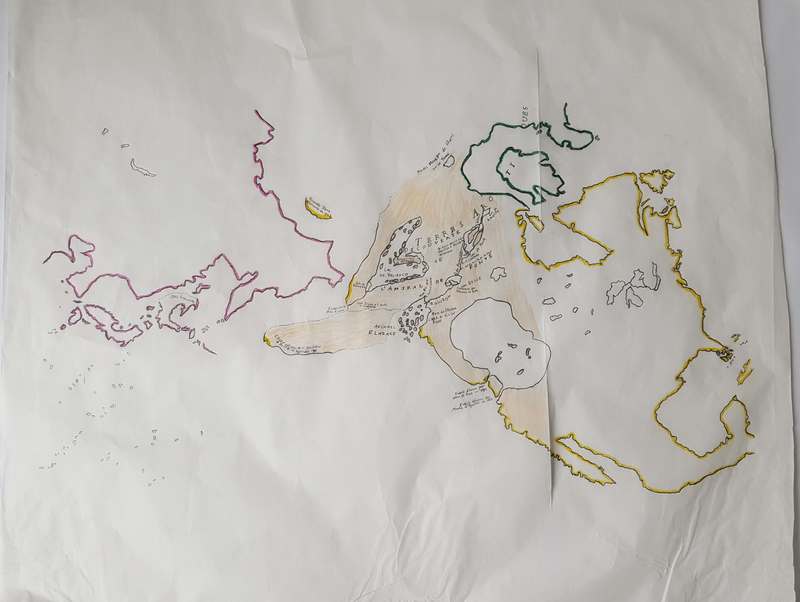
This layer shows the outlines of continents, both known and unknown. The only color on the map traces the known coasts of North America (yellow), Greenland and nearby land (green), and Asia (pink). The relatively unknown coasts of the land around…
IsabellaC
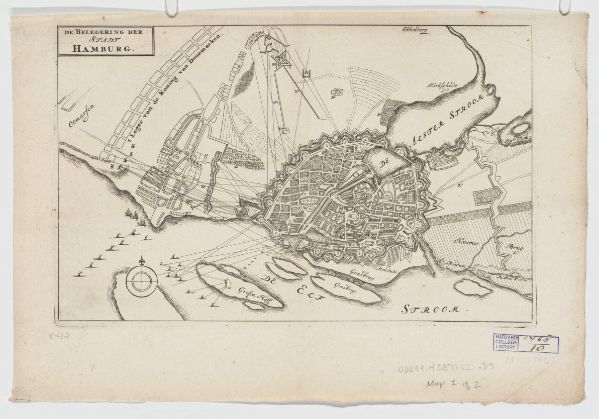
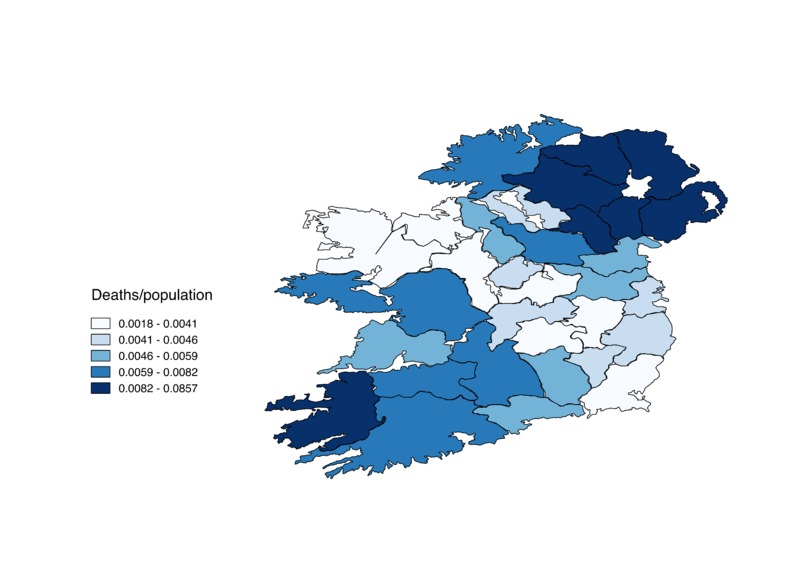
Counties shaded based on number of deaths/total population
GregoryP
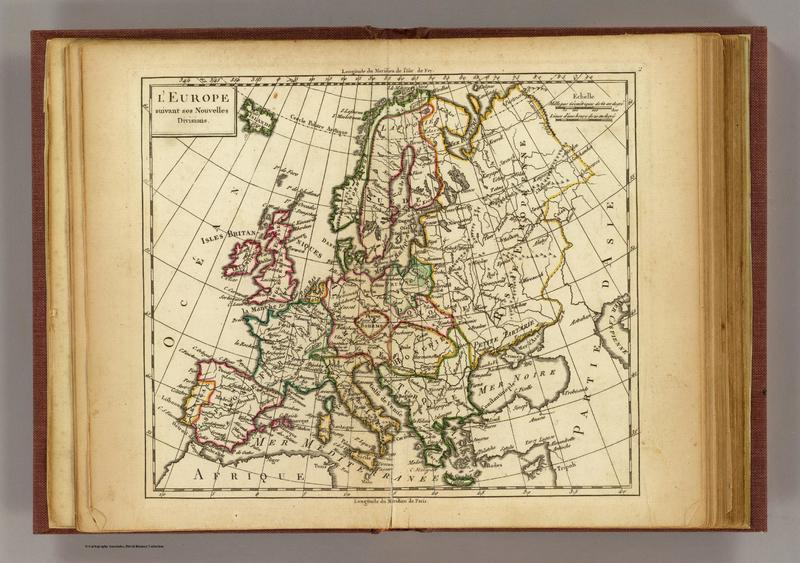
Here is a map created in Paris in 1800 by cartographer Charles Francois Delemarche. It was created for an educational atlas for children, and this map appears to be a political map of Europe. Focussing on France, Delamarche shows the boundary of…
MelissaB
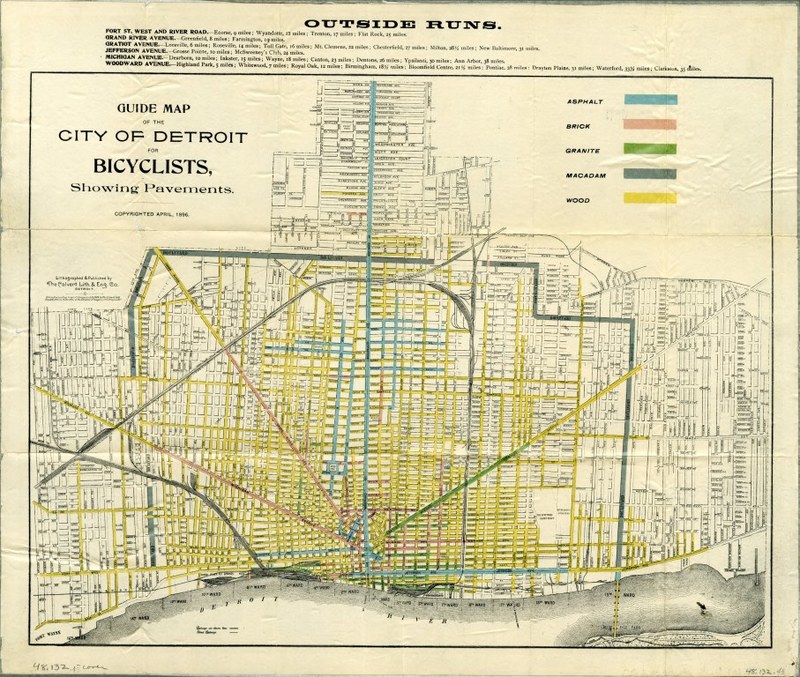
"This “Guide Map of the City of Detroit for Bicyclists, Showing Pavements” was copyrighted during the bicycle boom of the 1890’s...The map’s title points out its most striking detail: the color-coded mish-mash of various pavement types, ranging from…