Browse Items (258 total)
Sort by:
GregoryP
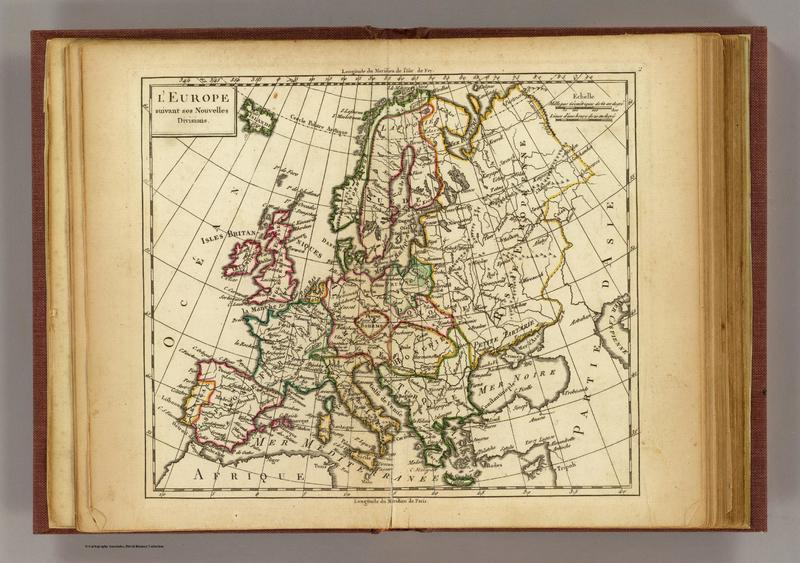
Here is a map created in Paris in 1800 by cartographer Charles Francois Delemarche. It was created for an educational atlas for children, and this map appears to be a political map of Europe. Focussing on France, Delamarche shows the boundary of…
IsabellaC
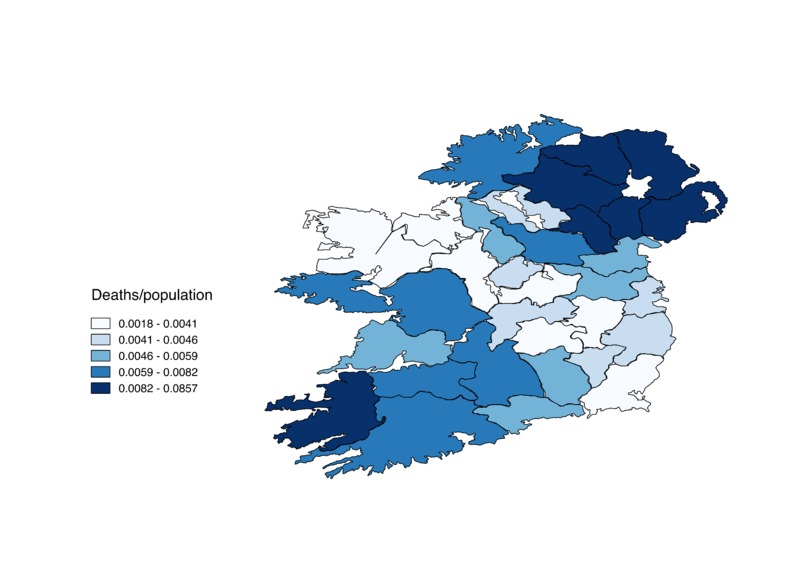
Counties shaded based on number of deaths/total population
AbigailP
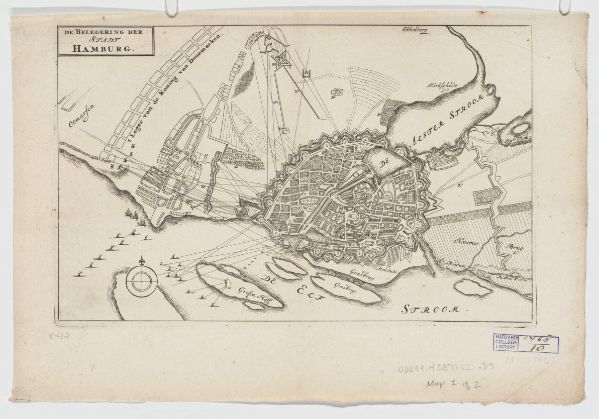
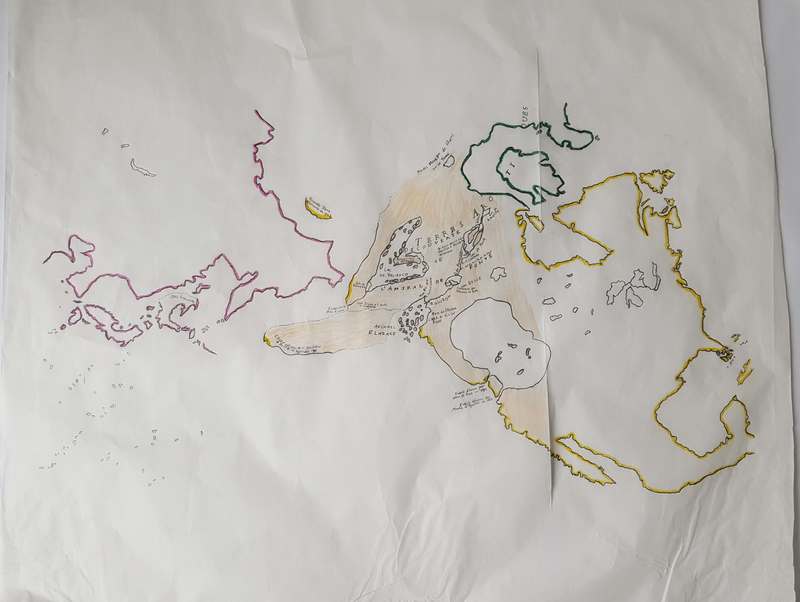
This layer shows the outlines of continents, both known and unknown. The only color on the map traces the known coasts of North America (yellow), Greenland and nearby land (green), and Asia (pink). The relatively unknown coasts of the land around…

ChristinaS
This map of Paris is a survey conducted in conducted between 1827 and 1836. It was drawn to scale by Theodore Jacoubet and is one of the last maps of a city drawn by an architect. The map is a collection of several sheets; each sheet accounts for…
HannahH
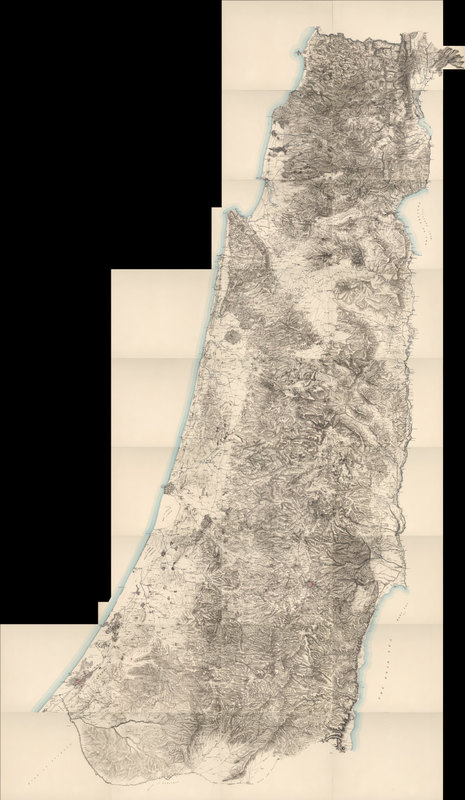
This is a detailed survey map of the west half of Palestine. It represents the composite of 26 survey sheets. This map was useful to the British in their invasion of Palestine in WWI. It includes place names as well as pink shading for more densely…